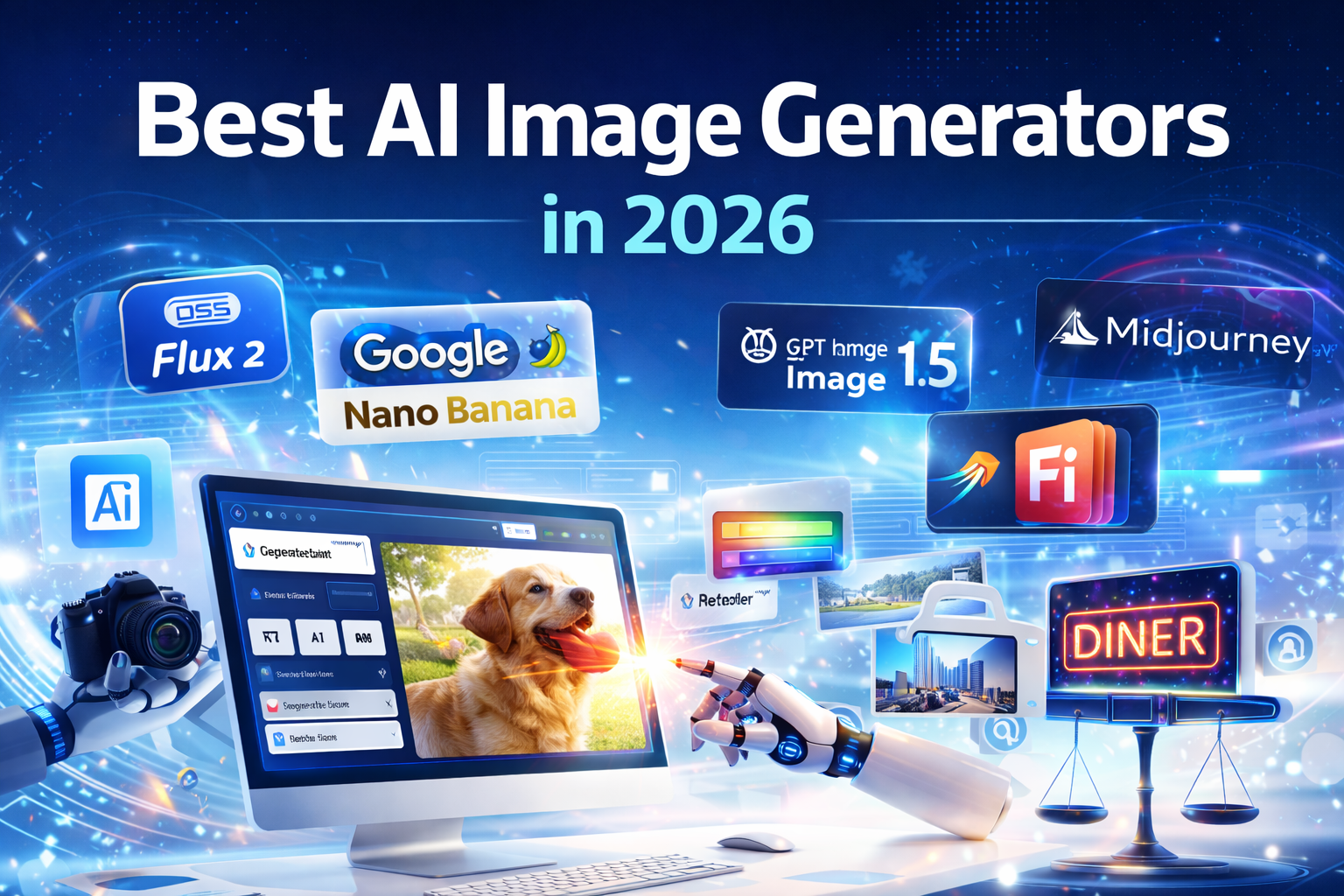
AI image generation in 2026 is no longer experimental. It has become a serious business and creative tool. Today’s platforms deliver:
- Photorealistic visuals
- Accurate text rendering
- Legally safe commercial assets
- Advanced customization
- Reliable brand consistency
The old problems—extra fingers, broken spelling, distorted logos—are mostly gone. Now the focus is precision, control, and commercial usability.
If you are a designer, marketer, business owner, or content creator, here is a clear comparison of the leading AI image tools in 2026.
1. Nano Banana Pro (via Google Gemini)
Best for: Photorealism and perfect text rendering
Nano Banana, available through Google Gemini, is widely considered one of the strongest image models this year.
What makes it powerful:
- Extremely accurate text rendering (neon signs, posters, labels spell correctly)
- Strong photorealism
- Advanced image blending
- Natural conversational edits
If you ask for a sign that says “Diner,” it actually writes “Diner” correctly. That level of precision makes it valuable for marketing materials and branded assets.
Pricing: Included in Gemini’s paid tier.
2. GPT Image 1.5 (via ChatGPT)
Best for: Easy back-and-forth editing
OpenAI’s GPT Image 1.5 focuses on collaborative editing.
Instead of writing one long, perfect prompt, you can:
- Generate a base image
- Then say: “Make the background darker.”
- Or: “Change the shirt to red.”
The model updates the image without breaking the rest of the composition.
This makes it especially useful for marketers and creators who want quick revisions without technical complexity.
Pricing: Included with ChatGPT Plus.
3. Midjourney v7
Best for: Artistic and cinematic visuals
Midjourney v7 remains the leader in artistic style.
If you want:
- Movie-poster aesthetics
- Dramatic lighting
- Painterly textures
- High emotional mood
Midjourney is still unmatched in visual creativity. Version 7 has improved usability through its web interface and continues to deliver visually stunning results.
Pricing: Starts around $10/month (no free plan).
4. Flux 2 (Max / Flex)
Best for: Privacy and full customization
Flux 2 is open-source, which gives users full control.
Key advantages:
- Train the model on your own photos
- Teach it your brand’s product style
- Run it offline for maximum privacy
This is ideal for tech-savvy users who want total control over data and customization.
Pricing: Free to download (may require paid cloud hosting for easier use).
5. Adobe Firefly Image 5
Best for: Legal safety and commercial use
Adobe Firefly Image 5 is built directly into Adobe tools like Photoshop.
Its biggest advantage is legal confidence. Adobe trained Firefly using licensed and public-domain content. That means:
- Safer commercial usage
- Lower copyright risk
- Trusted for corporate marketing
For businesses and agencies, this legal clarity is extremely important.
Pricing: Free basic version, or included with Adobe subscriptions.
Quick Comparison Table
| Tool | Superpower | Best For |
|---|---|---|
| Nano Banana (Gemini) | Perfect spelling + photorealism | High-quality realistic marketing visuals |
| GPT Image 1.5 | Chat-based editing | Marketers & casual creators |
| Midjourney v7 | Artistic and cinematic output | Digital artists & creatives |
| Flux 2 | Custom training & privacy | Technical users & brand customization |
| Adobe Firefly 5 | Copyright-safe assets | Businesses & agencies |
How to Get Better Results from Any AI Image Tool
In 2026, the quality of your results depends heavily on how you prompt the AI.
Instead of saying:
“A dog”
Be specific and structured.
Use this simple formula:
- Subject: A Golden Retriever
- Action: Catching a frisbee
- Environment: In a sunny park
- Style: Photorealistic, taken with a professional camera
The more clearly you describe what you want, the better the output.
Leave a Reply